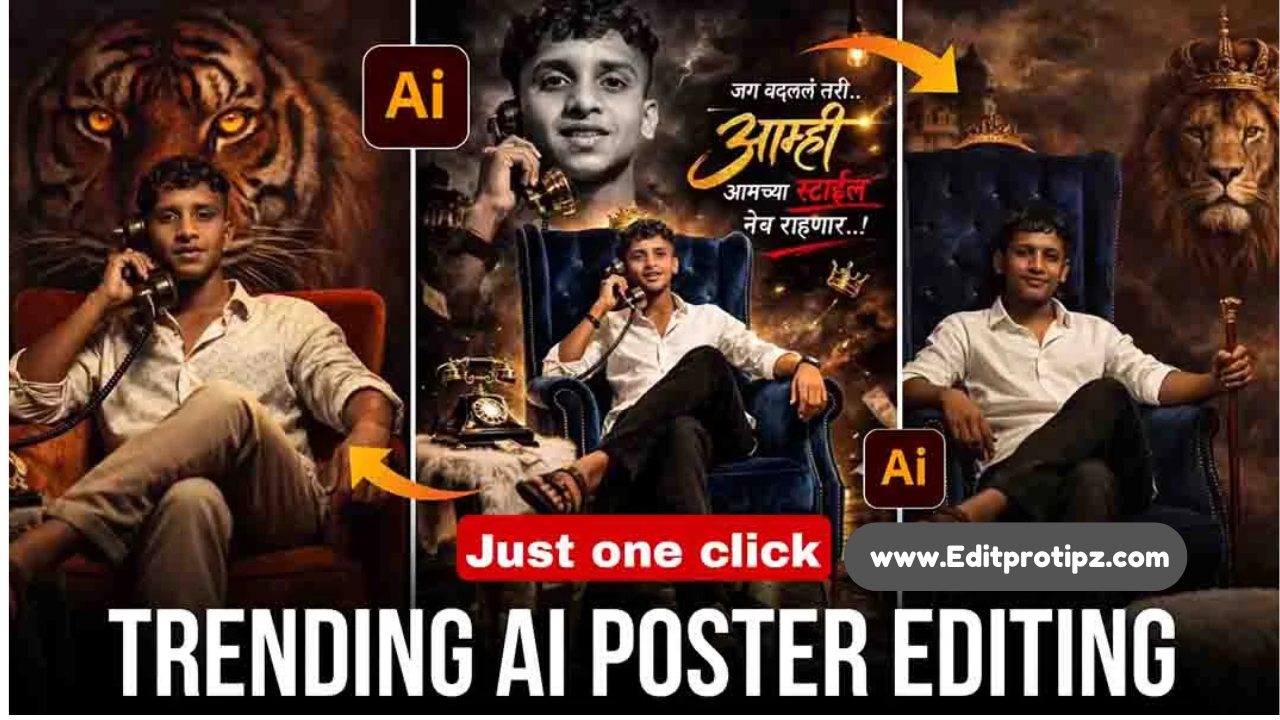
Friends, nowadays creating any kind of poster has become extremely easy. With the help of AI, you can design a completely professional poster for free. These AI-generated posters are currently going viral on Instagram.
If you also want to learn how to create your own poster, make sure to read till the end. In this article, I have shared a special poster prompt that you can use in ChatGPT, Google Gemini, or any other free AI tool. Along with that, I have explained in a very simple and easy way how you can use this AI prompt to create your own professional poster.
What is Poster Photo Editing Prompt 2026?
An AI prompt is a detailed instruction that tells the AI exactly what kind of image you want to create. It works like giving clear directions to the AI about the style, design, and details of the photo.
For example, if you simply write “make a poster,” the result will usually be very basic. But when you write a professional prompt with full details such as lighting, background, skin texture, resolution, color tone, and style the AI can generate a much higher-quality and more professional image.
In 2026, a popular trend in posters includes dramatic lighting, colorful smoke backgrounds, high-contrast shadows, bold movie-style titles, and 4K or 8K resolution. These elements make the poster look more cinematic, professional, and unique.
How to get the best results in poster Editing?
Simply copying and pasting the prompt is not enough. You also need to keep a few important things in mind. One of the most important factors is using a high-quality photo. If the image you upload is low quality, the final result will also look poor.
So, always make sure to use a clear and HD photo to get the best and most professional-looking result from the AI.
Make sure the face is clearly visible, as the AI needs to detect facial details properly. Avoid using photos with heavy shadows, because they can affect the final result.
For the best outcome, use half-body or chest-up photos, since they usually work better with AI image generation. Also, try to keep the background simple or plain, as it is easier for the AI to process and helps create a cleaner, more professional poster.
Why is poster editing trending in 2026?
In 2026, many people are creating their own posters using AI tools instead of hiring professional photographers or using complex software like Photoshop. This not only saves time but also allows you to create high-quality images for free with very little effort.
AI makes it easy to design posters that look perfect for social media. Cinematic-style poster covers have become very popular and important on platforms like Instagram, Facebook, and YouTube, helping posts look more attractive and professional.
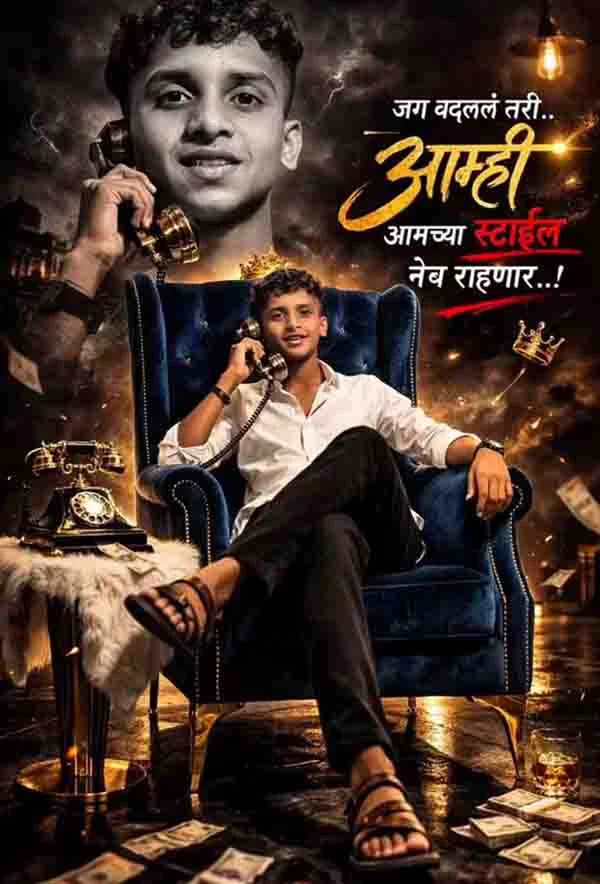
prompt
Ultra-realistic cinematic portrait of a young Indian man, face must be preserved 100% exactly from the reference image with absolute identity lock.
No facial changes allowed. Same face shape, skin tone, beard, moustache, eyes, nose, lips, expression, age, proportions, pores, and natural skin texture.
The man is sitting confidently on a burnt-orange velvet armchair, legs crossed in a relaxed, powerful posture. He is holding a vintage brass rotary telephone receiver to his ear with a calm, dominant expression.
Outfit: light patterned white shirt with sleeves slightly rolled up, beige trousers, brown leather sandals, minimal accessories.
Background: a giant hyper-realistic tiger face emerging from darkness, glowing amber eyes aligned behind the subject, symbolizing power and dominance. Subtle cinematic lightning textures around the tiger, dark moody atmosphere.
Props: a classic rotary telephone placed on a small side table covered with a soft grey fur cloth.
Lighting: dramatic low-key studio lighting, warm highlights on the subject, soft rim light separating him from the background.
Camera: full-body portrait, eye-level angle, shallow depth of field, sharp focus on face.
Style: luxury, king-like, cinematic, editorial photoshoot, ultra-detailed, 8K, photorealistic, professional studio quality.
Keep my face change 100% same as in
the reference image